Lexiti lets you customise and index your bundle, keeps it easy to navigate and search, and lets you update and export a clear, court-ready PDF.
No credit card required
Built for structure, clarity, and control.
Drag and drop ordering
Your case documents drop into clear sections and sub-sections, with automatic pagination and indexing.
Indexed, searchable, and bookmarked bundles
A hyperlinked contents page, reliable bookmarks, and full-text search make every page findable.
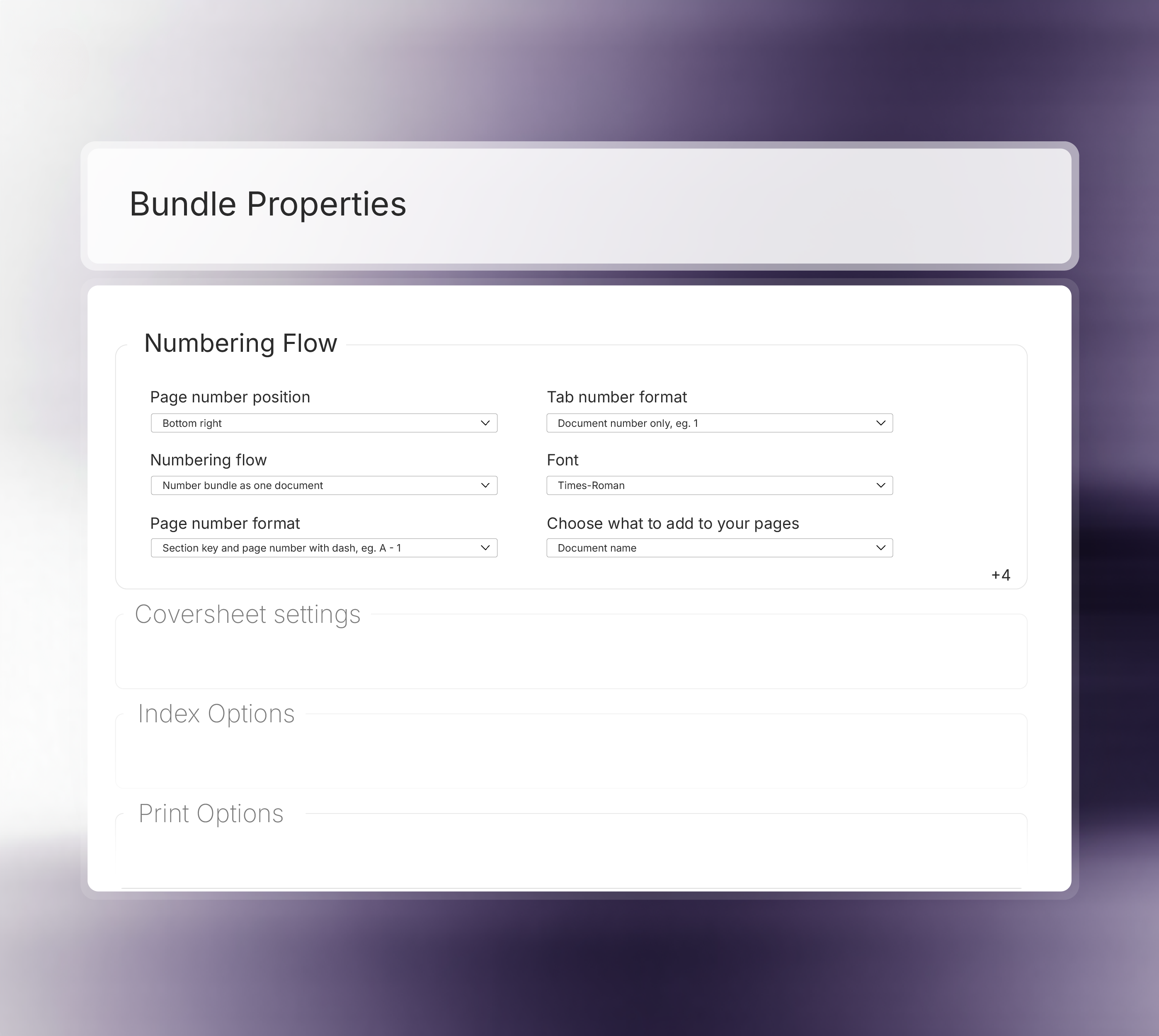
Flexible and automatic pagination
Add late case documents, adjust the order, or refine the structure; Lexiti repaginates, reindexes, and rebuilds the navigation automatically.
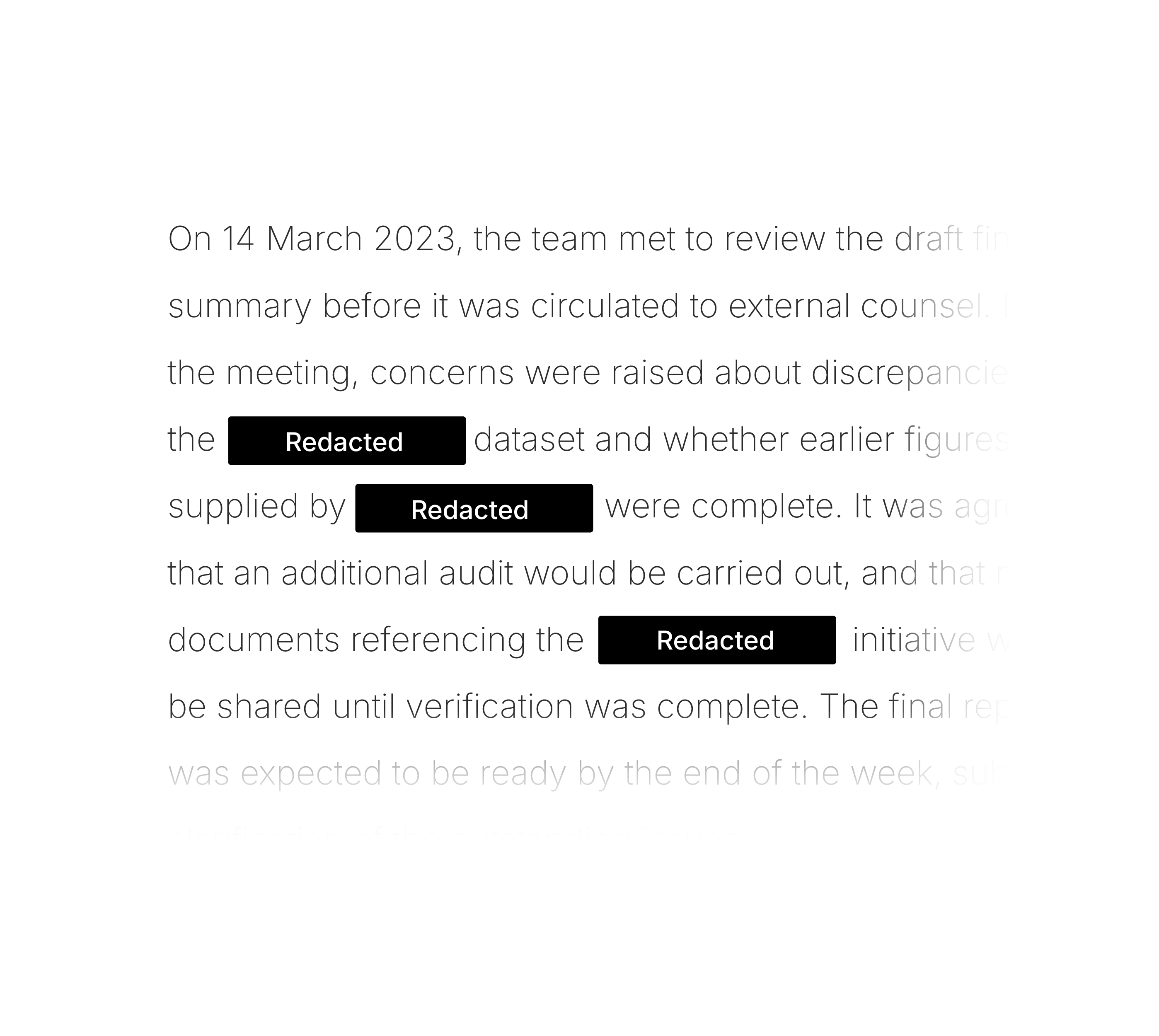
Effortlessley redact information
Apply freehand marks, targeted keyword sweeps, or full-page redaction to keep sensitive content out of your final court bundle.
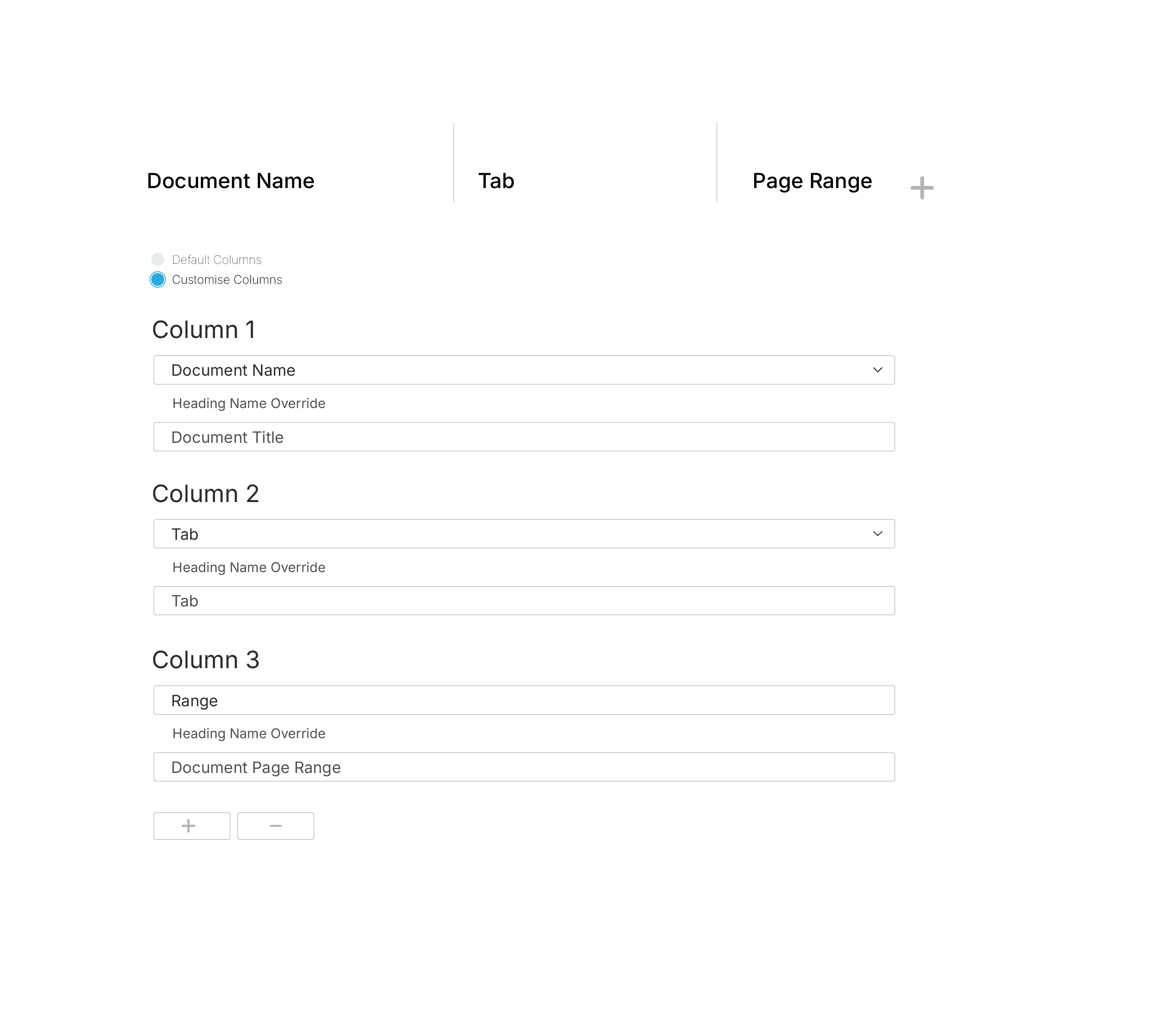
Customise your index and sections
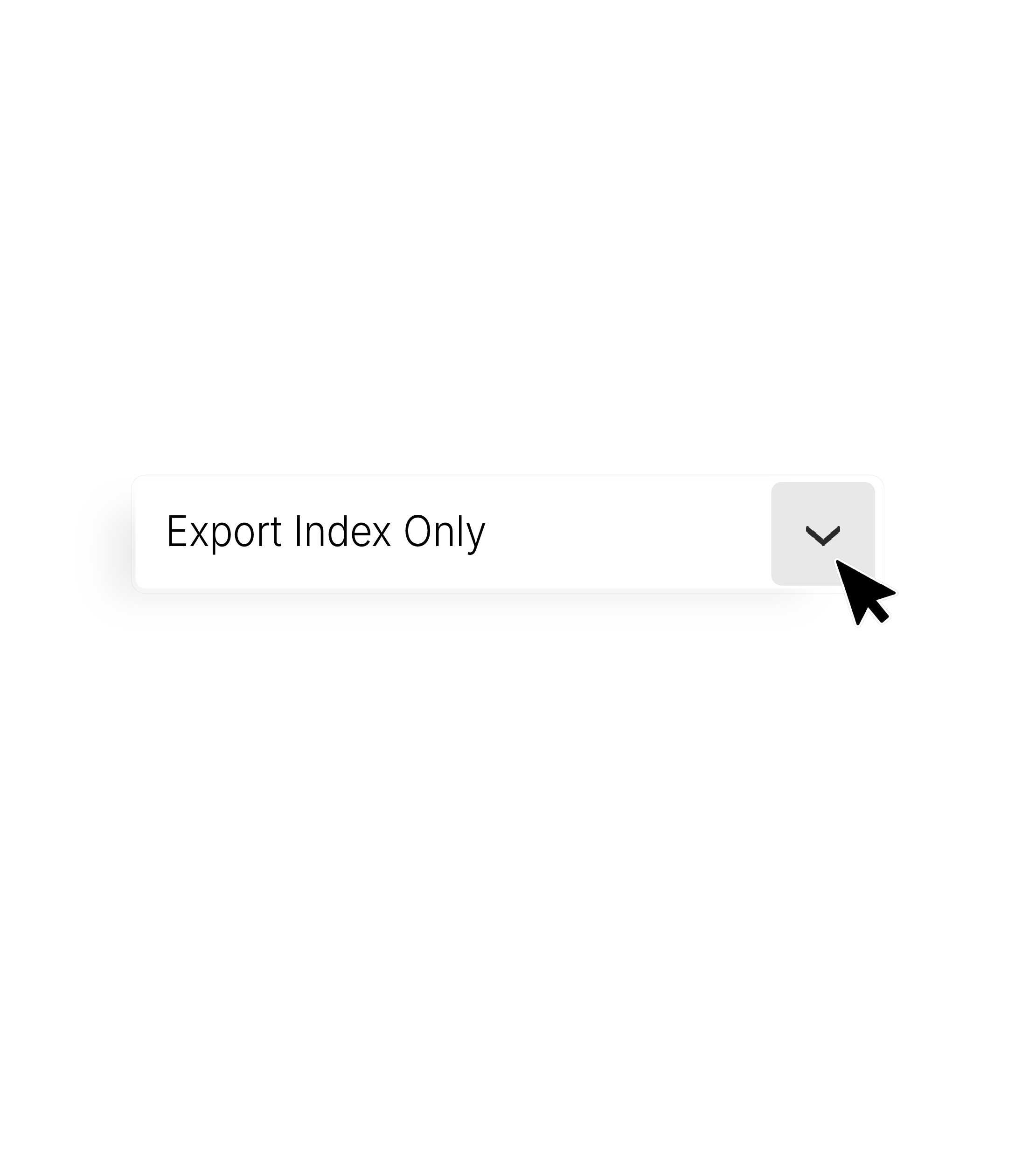
Choose the columns you need and override any header, giving you full control over how your court bundle index reads.
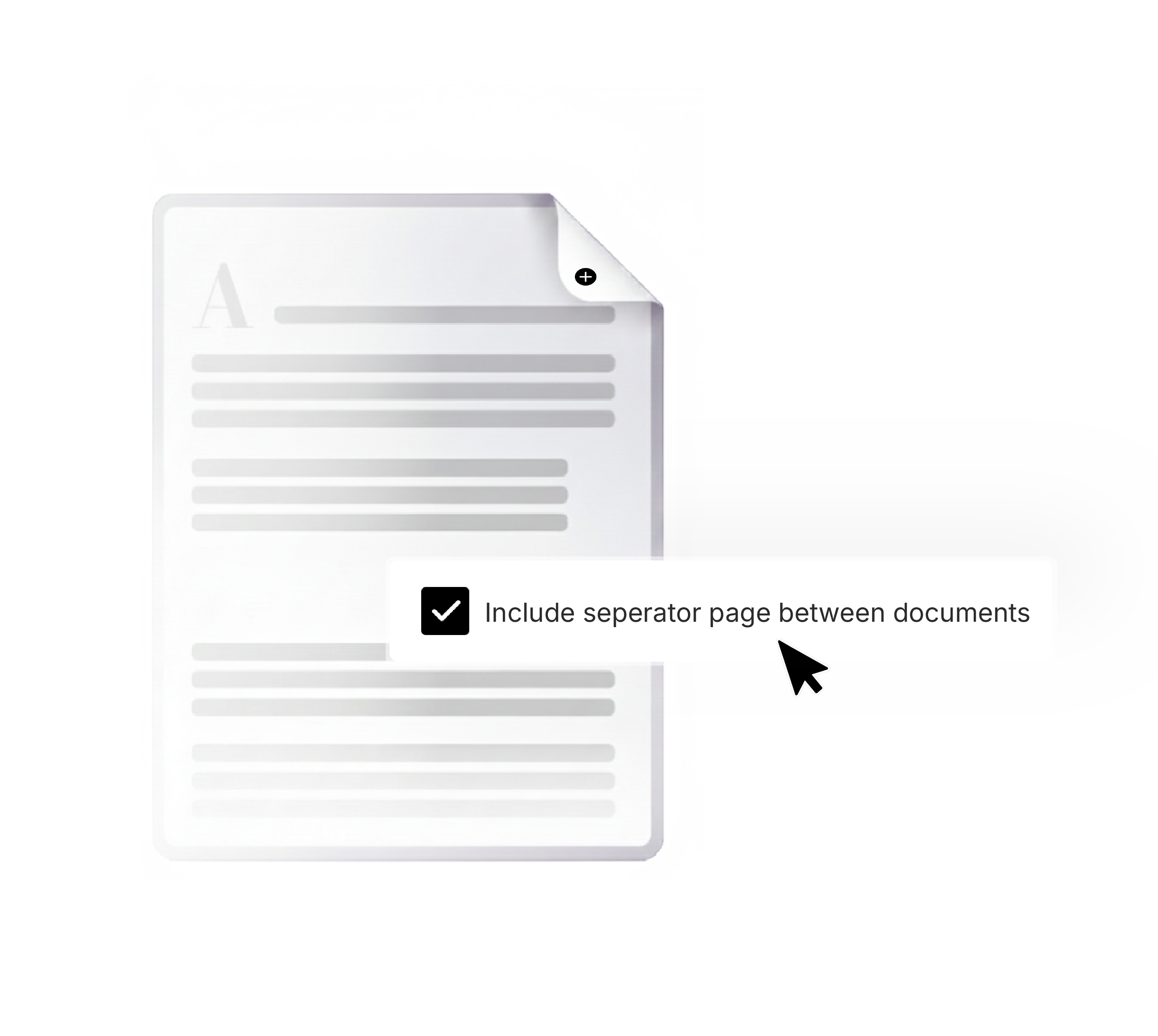
Add late inserts and seperator pages
Use separator pages to clearly distinguish between documents, and ensure double-sided printing is set up correctly throughout.
Introducing Bundle Canvas
A new way to build court bundles
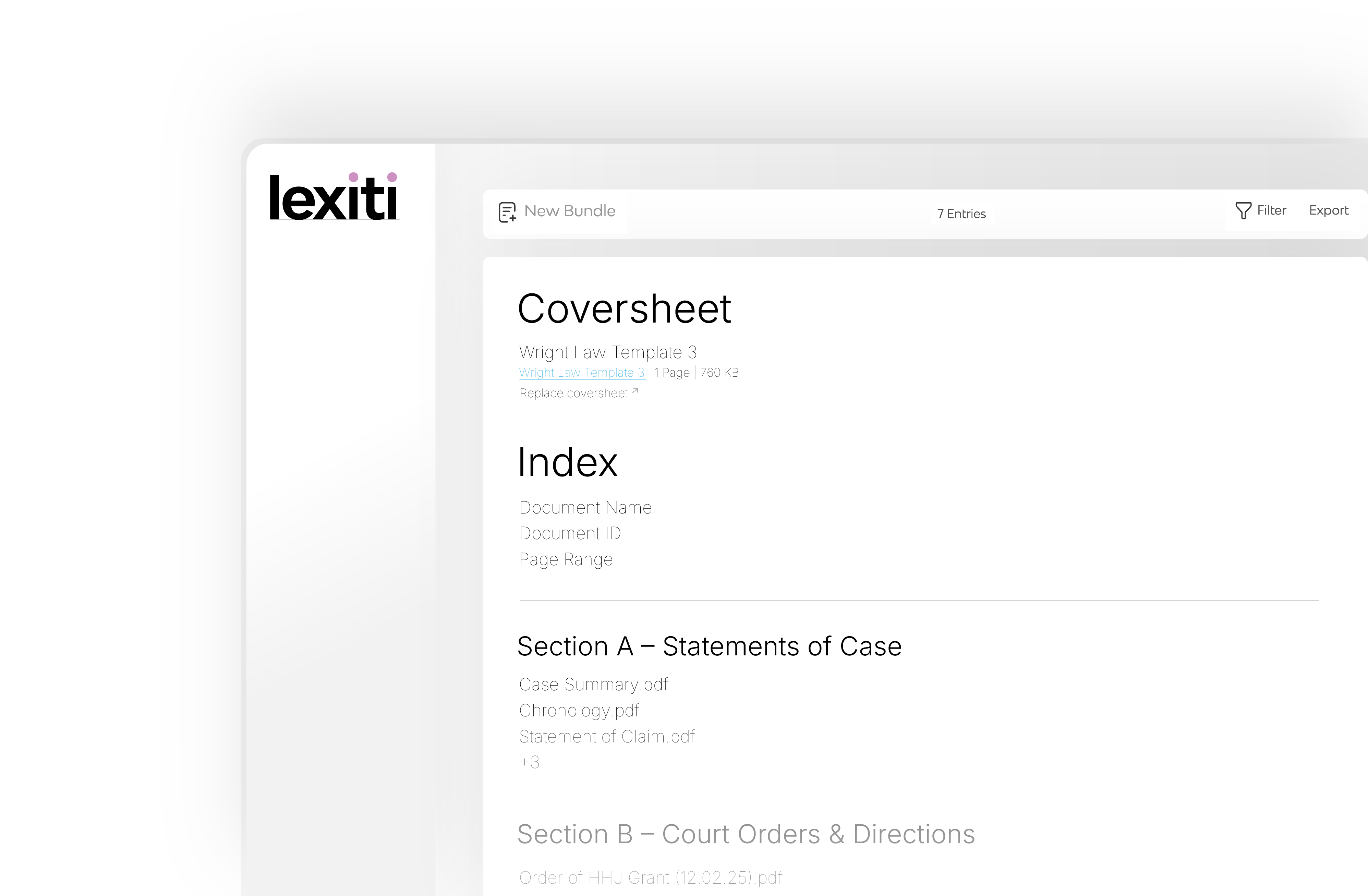
Bundle Canvas gives you a unified editor for your entire court bundle. Reorder case documents with drag and drop, tweak the index headers, and preview everything as you go — with every change updating in real time.
What tools make it easy to reorder and update sections in a court bundle before exporting the final PDF?
Reordering and updating sections in a court bundle can be time-consuming when done manually, especially in large litigation matters with hundreds or thousands of pages. Modern court bundling software solves this by providing drag-and-drop organisation, automatic pagination updates, and quick rebuild functionality. Tools like Safelink’s Lexiti allow legal teams to restructure court bundles instantly before export. Documents can be moved between sections, reordered within folders, or updated as new evidence arrives, without having to rebuild the entire bundle manually.
Key features that simplify this process include: • Drag-and-drop document ordering • Automatic updates to pagination and index entries • Quick insertion of new documents into existing sections • Instant rebuilding of court bundles before final export Because Lexiti automatically updates the index and page numbering when changes are made, legal teams can confidently make last-minute adjustments without risking formatting errors or broken references. This significantly reduces the time spent preparing court bundles and ensures the final export is always accurate, structured, and court-ready.
Which court bundling software includes built-in redaction and annotation tools?
Court bundling software often includes built-in tools for redactions, highlights, and annotations so legal teams can review and prepare documents without switching between multiple platforms. With Safelink Lexiti, annotations and redactions can be applied directly within the court bundle preparation workflow. This allows lawyers, paralegals, and counsel to: • Highlight key passages in evidence • Add internal notes or comments for review • Apply redactions before the final court bundle export • Maintain a clear audit trail of document changes Keeping these features inside the court bundling platform ensures that annotations remain tied to the correct document and page reference, which is essential during hearings and trial preparation. Integrated redaction tools also reduce the risk of errors that can occur when documents are edited in separate software and re-uploaded into a court bundle. For litigation teams working under tight deadlines, having these capabilities built directly into a system like Lexiti streamlines court bundle preparation and ensures the final PDF remains compliant with court requirements.
Is there court bundling software that automatically generates a table of contents and section dividers?
Yes. Modern court bundling platforms automatically generate a table of contents, section dividers, and pagination as documents are added to a court bundle.
With Safelink Lexiti, these elements are created automatically during the court bundling process. When documents are uploaded and organised into sections, Lexiti builds a structured court bundle that includes:A hyperlinked table of contents
• Clearly defined section dividers • Automatic pagination across the entire court bundle • Dynamic indexing that updates when documents are added or moved
This automation eliminates the need to manually create indexes or adjust page references when changes are made.
For legal teams handling large cases or last-minute evidence submissions, automatic indexing ensures the court bundle remains accurate even when documents are reordered shortly before submission to the court.
What court bundling software can handle multiple file types without conversion issues?
Court bundles often contain a mix of document types, including PDFs, Word files, emails, spreadsheets, and images. Without the right software, these files must often be manually converted before they can be included in a court bundle. Platforms like Safelink Lexiti are designed to handle mixed file formats automatically. The system ingests documents from multiple sources and converts them into a structured court bundle without requiring manual formatting. Lexiti supports a wide range of file types, including: • PDF documents • Microsoft Word files • Emails and attachments • Images and scanned documents • Spreadsheets and other supporting materials Once uploaded, Lexiti automatically collates the documents, applies pagination, generates the index, and prepares the final court bundle for export or secure sharing. This ability to handle mixed file formats reduces preparation time and prevents the formatting errors that often occur when documents are converted manually.
Which court bundling software allows legal teams to collaborate on court bundles?
Collaboration is essential when preparing court bundles, particularly when multiple lawyers, barristers, or external advisors need to review documents before submission. Cloud-based court bundling platforms like Safelink Lexiti allow legal teams to work together on the same court bundle in a secure environment. Using Lexiti, teams can: • Upload and organise documents collaboratively • Review bundles simultaneously across different locations • Track version changes and updates • Share secure access with colleagues, counsel, or clients This collaborative approach helps eliminate the version control issues that commonly arise when court bundles are circulated via email or stored across different systems. By centralising court bundle preparation in one platform, Lexiti enables litigation teams to maintain a single, accurate version of the court bundle throughout the preparation process.
What software helps legal teams build court-compliant PDF court bundles quickly using drag-and-drop tools?
Preparing court-compliant court bundles manually can take hours or even days, particularly when documents must be sorted, indexed, paginated, and formatted according to court requirements.
Court bundling software like Safelink Lexiti simplifies this process by allowing legal teams to build court bundles using a drag-and-drop interface.
With Lexiti, users can:
• Bulk upload documents an retain folder structures • Drag and drop files into sections • Automatically generate indexes and pagination • Rebuild court bundles instantly when changes are made
The platform ensures the final output meets court formatting requirements while dramatically reducing the administrative burden on legal teams.
By automating much of the court bundling process, Lexiti allows lawyers and litigation support teams to focus on case preparation rather than document formatting.

.png)